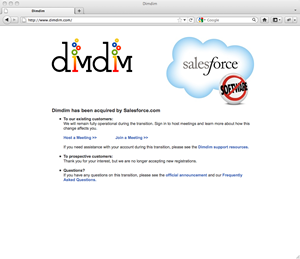
Dim Dim was acquired by SalesForce.com in early 2011. The service is now only available to SalesForce.com customers.
Since Dim Dim is not accepting new registrations, we recommend that you check out GoToMeeting. They currently offer a free 30 day trial, which allows you to host unlimited meetings.
During early development, Dim Dim released an open source version, and a cloud-based version of their meeting software. The open source version was later abandoned by Dim Dim.
When SalesForce.com acquired Dim Dim they announced that effective immediately they would no longer accept new customers. Existing customers were phased out once their subscriptions expired.
If you’re a former Dim Dim customer we recommend that you transition to GoToMeeting. In our past head-to-head review of the two meeting platforms, we ranked GoToMeeting ahead of Dim Dim, because of it’s lack of features and reliability.
Additional Resources
Before committing to an online meeting service, make sure you read the reviews for our top picks. You can also compare our top picks side by side. It’s worth noting, that most of the vendors we review on this site offer free trials.
